
Seahorse
Native macOS library
Save anything. Find inspiration instantly.
A native macOS library for links, images, and text—captured in seconds, enriched with optional AI, and organized your way.

One complete path for saved material
Capture it now. Find it the moment you need it.
Seahorse keeps capture, organization, and retrieval in one calm workflow—without making you stop and file everything first.
1 · Capture
Save first. Organize when you are ready.
Paste a link to preview it and add a title, summary, category, and tags. Or enable Copy Detection to save repeated copies quietly in the background.
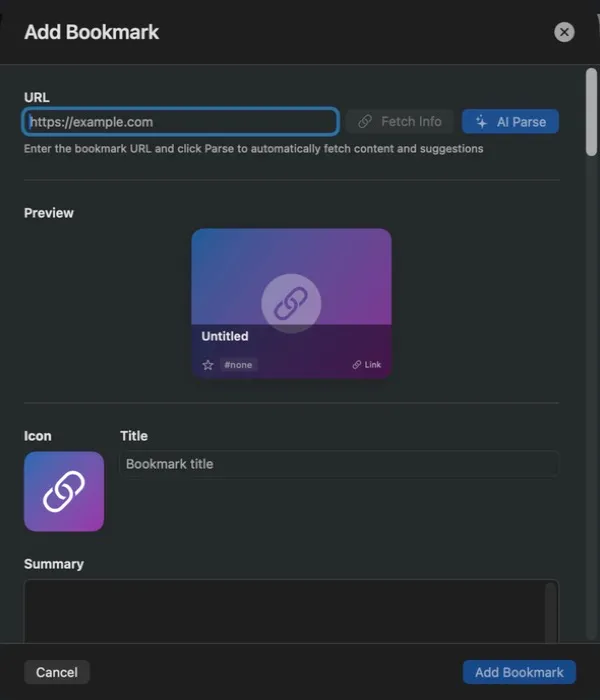
Add a bookmark manually 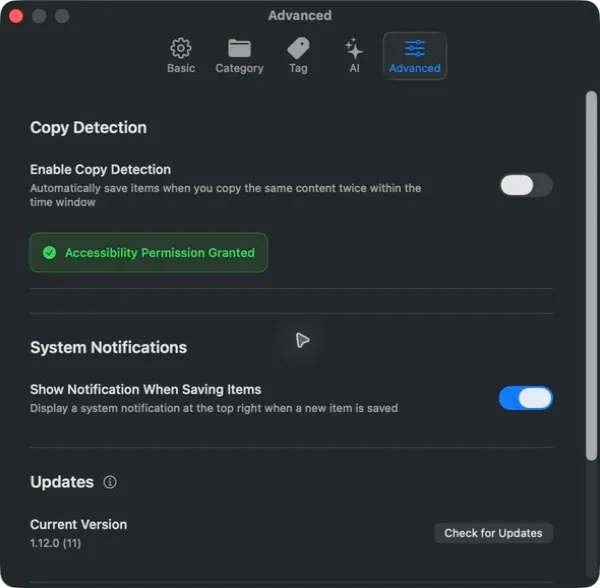
Background Copy Detection 2 · Organize
Let categories and tags grow with your library.
Links, images, and text live in one place. Categories hold the broad structure, tags preserve context, and grid or list views adapt to the task.
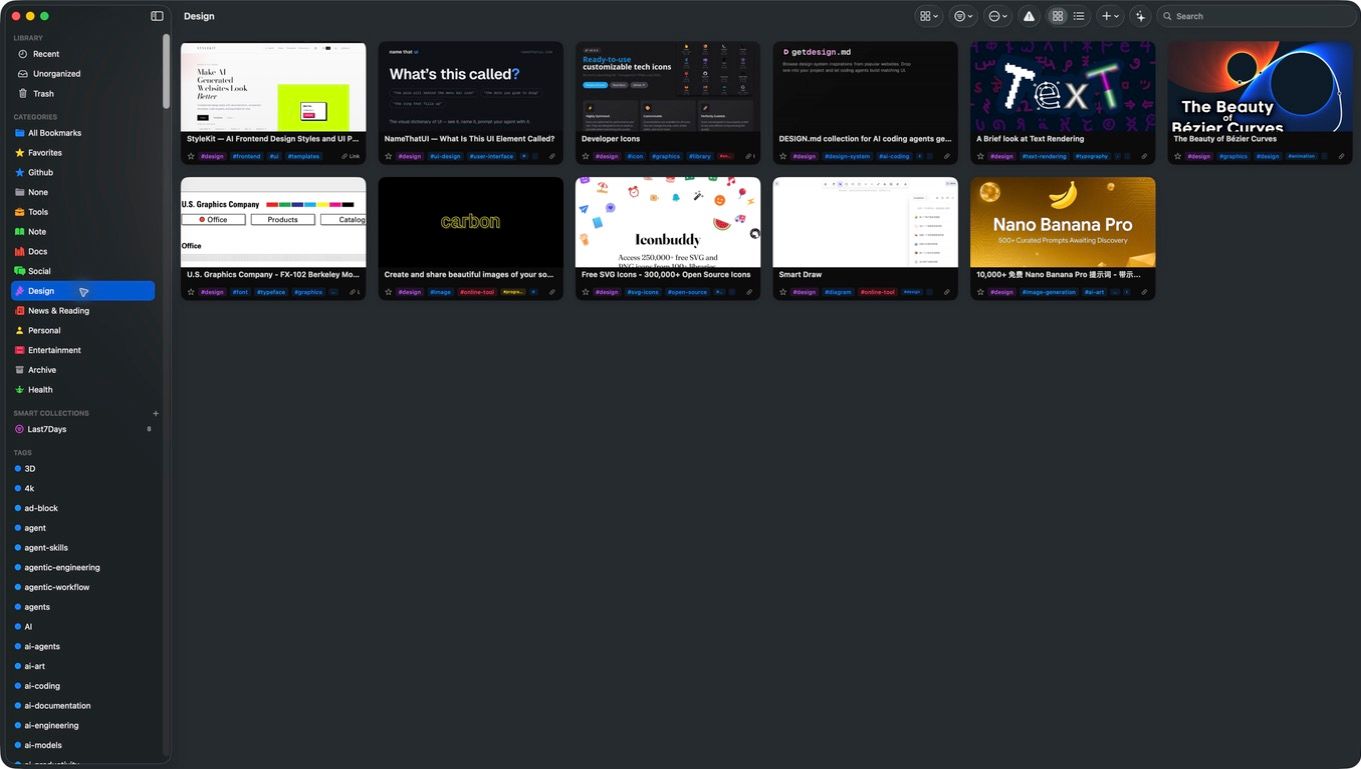
A real Design category 3 · Find
Type what you remember. The library narrows instantly.
Search uses titles and tags to bring the right material back. You only need to remember what it was about—not where you filed it.
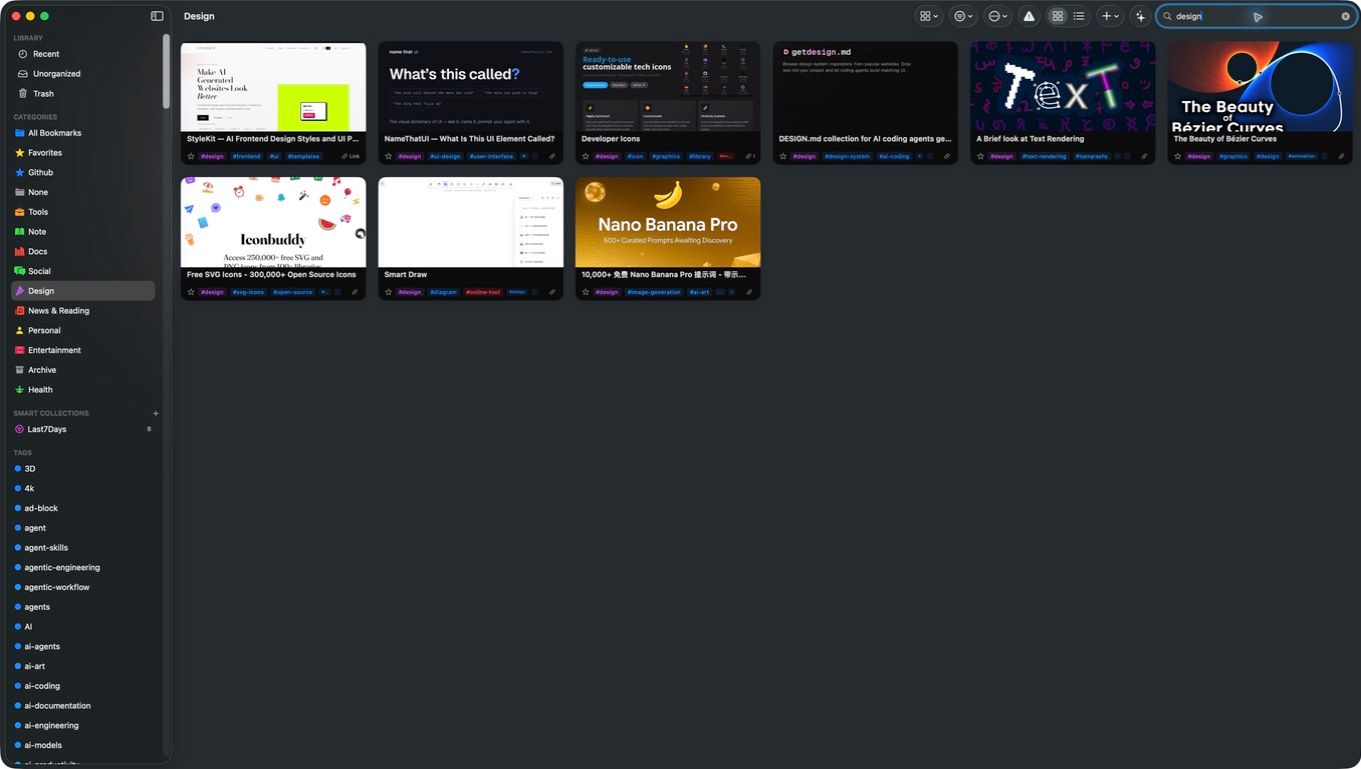
Searching inside the Design category


Local and in your control
Your library stays on your terms.
Choose where the library lives, and import or export your data when needed. AI enrichment is optional; you control its endpoint, model, and every automation.
- Native macOS app
- Optional AI enrichment you can disable
- Explicit system permission for Copy Detection

Make the next idea easy to find again.
Download Seahorse and give your links, images, and text one library that is truly yours.